Apple WatchOS27 Review - JoyVelo.com
Free update for Apple Watch SE 3, Series 9 / 10 / 11 / 12 and Ultra 2 / 3 / 4. Siri AI with a dedicated Siri app and cross-device continuation, a new dynamic app grid with Siri front and center, a new index-finger-and-thumb tap gesture for the Smart Stack, Workout Buddy that now runs without your iPhone nearby, more accurate indoor run and walk distance, perimenopause and menopause support in Cycle Tracking, and Find My consolidated into a single map-centric app. The catch: watchOS 27 is the first release that requires the S9 chip, so Series 6, 7, 8, SE 2 and Ultra 1 are dropped.
Outstanding value for money
$APPEALS
76.0/100
Price
Free (with supported hardware)
$APPEALS Performance Radar
8-axis 10-point scoring (P-A-P-P-E-A-L-S). Per-category weighted.
$APPEALS Score
76.0 / 100
- Price:
- Pricing competitiveness within the category, value retention, total cost of ownership
- Availability:
- Channel coverage, supply stability, after-sales service accessibility
- Packaging:
- Industrial design, build finish, accessory completeness, unboxing experience
- Performance:
- Category-defining core performance — accuracy, power, range, speed, sensitivity
- Ease of Use:
- Setup difficulty, daily-use UX, app quality, learning curve, configurability
- Assurance:
- Build durability, water/dust rating, warranty policy, long-term reliability
- Life Cycle:
- Battery life, consumable cost, firmware support, residual value, repairability
- Social:
- Brand prestige, WorldTour adoption, professional rider endorsement, community
Hardware Spec Sheet
3/26 fields filled (12%) · Sports WatchesBasic Info
- Brand
- —
- Model
- —
- Release Year
- —
- Price
- Free (with supported hardware)
- Weight
- Platform update
- Warranty
- —
Display
- Display Type
- —
- Display Size
- —
- Display Resolution
- —
- Always-on Display
- —
Sensors
- GPS Chip
- —
- Satellite Systems
- —
- Optical HR Sensor
- —
- Barometer
- —
- Compass
- —
Battery Life
- Battery (Smart Mode)
- —
- Battery (GPS Mode)
- —
- Battery (Saver Mode)
- —
Physical
- Water Rating
- Platform update
- Case Material
- —
- Strap Material
- —
Features
- Sport Modes
- —
- Music Storage
- —
Connectivity
- Bluetooth Version
- —
- Wi-Fi
- —
- ANT+
- —
watchOS 27 is a substantial update and the headline feature - Workout Buddy running without your iPhone - genuinely delivers. Siri gets a real app of its own, the app grid finally surfaces what you use, Find My collapses three apps into one, and Cycle Tracking picks up perimenopause notifications. The real story is the hardware floor: watchOS 27 is the first release that requires the S9 chip, so Series 6, 7, 8, SE 2 and Ultra 1 are dropped, leaving Series 9 (2023) as the oldest supported device.
Pros
- Workout Buddy now runs without your iPhone nearby, which is the single biggest practical change for anyone who runs away from coverage - and the workout does not fall back to the phone for voice when it does.
- Siri AI finally has a dedicated app, keeps every conversation in one place, lets you pin the useful ones and lets you start a question on the iPhone and pick it up on the watch. The new dynamic app grid puts Siri-sugg…
- The new tap gesture - index finger and thumb together - opens a Smart Stack widget one-handed, and the improved motion tracking makes indoor treadmill running and walking distance noticeably more accurate.
- Find Devices, Find People and Find Items are consolidated into a single map-centric Find My app, and Cycle Tracking in the Health app now notifies you when your logged cycle patterns are suggestive of perimenopause, w…
Cons
- The hardware floor moved. watchOS 27 requires the S9 chip, so Series 6, Series 7, Series 8, SE 2 and Ultra 1 are all dropped - and a Series 9 bought in 2023 gets three years of OS support. Apple still commits to at le…
- Siri AI is in beta and English-only at launch, and Apple states it will not be initially available in the EU on watchOS. For most users the Siri changes are a visual refresh rather than a capability change.
- Workout Buddy without the iPhone still needs a Wi-Fi or cellular connection - Apple requires it explicitly - so on a genuinely remote trail run it will still fail. Several headline features (Wallet custom passes, Live…
On this page (7 sections)
watchOS 27 is the 2026 platform update for Apple Watch and the first one to ship a meaningful number of features that work without the iPhone. The headline additions are: Workout Buddy now runs without a paired iPhone, Siri gains a dedicated app of its own with cross-device continuation, a new dynamic app grid puts your most-used apps and Siri front and center, a new index-finger-and-thumb tap gesture opens a Smart Stack widget one-handed, the Sleep app and Cycle Tracking pick up cross-timezone handling and perimenopause notifications, and Find Devices, Find People and Find Items are consolidated into a single map-centric Find My app. The platform update is free for supported hardware: Apple Watch SE 3, Series 9, 10, 11 and 12, and Ultra 2, 3 and 4. The real story is what is not in the support list - watchOS 27 is the first release that requires the S9 chip, so Series 6, Series 7, Series 8, SE 2 and Ultra 1 are all dropped, leaving the Series 9 from 2023 as the oldest device that can run it. Testing note: our hands-on time was with the watchOS 27 developer beta on an Apple Watch Series 10; the feature list and the supported-device list below are Apple's final ones as shipped on 14 September 2026.
TL;DR
watchOS 27 is a substantial update and the headline feature - Workout Buddy running without your iPhone - genuinely delivers. Siri gets a real app of its own, the app grid finally surfaces what you use, Find My collapses three apps into one, and Cycle Tracking picks up perimenopause notifications. The real story is the hardware floor: watchOS 27 is the first release that requires the S9 chip, so Series 6, 7, 8, SE 2 and Ultra 1 are dropped, leaving Series 9 (2023) as the oldest supported device.
What it gets right: Workout Buddy works without the iPhone nearby (the single biggest practical improvement for endurance athletes), the Sleep app handles cross-timezone travel properly, Find My consolidation is overdue, perimenopause tracking is a real win, and the Siri app, cross-device continuation, dynamic app grid and tap gesture are all real productivity gains. What it gets wrong: Series 6, 7, 8, SE 2 and Ultra 1 are dropped, Siri AI is a beta and is English-only at launch (and not coming to the EU initially), and a handful of features are still rolling out later in the year.
Unboxing & Design
watchOS 27 is a platform update - there is no new hardware in the box. The update downloads over the air from the iPhone's Watch app, or directly on the watch over Wi-Fi (Settings, then General, then Software Update). Apple says the install can take anywhere from a few minutes to about an hour depending on the watch and the connection, and that the watch should sit on its charger with at least 50% battery and the iPhone nearby throughout. The watch restarts itself when the install finishes, and your apps, data, watch faces and settings survive the migration.
UI changes: the most visible change is the new dynamic app grid. Siri suggests apps and they appear in prominent positions alongside your most-used and most-recently-used apps, with the Siri app itself always front and center on the watch face. The grid is reached by long-pressing the digital crown, and it is a genuine improvement for anyone rotating between five or six apps during a day. The other new gesture is the tap: tapping your index finger and thumb together once selects a widget in the Smart Stack and shows the relevant information, which works when the other hand is occupied. The Smart Stack itself now suggests more widgets contextually - a birthday for a close contact, where you parked the car, a sleep alarm before a holiday.
Workout Buddy UI: Workout Buddy now appears in the workout view as its own audio source alongside the music controls, and the prompts are short - five to fifteen seconds - and triggered at activity milestones such as kilometre splits, the halfway point and the final stretch. The voice is delivered through the watch speaker or through paired AirPods or Beats. The prompts are in English and, with watchOS 27, in Spanish as well.
Sleep app UI: the Sleep app gains a timezone indicator showing the current local time and your home time when you are travelling, and the sleep stage breakdown and sleep score are now attributed to the local night even when the watch spent the first half of the trip in another timezone. The bedtime routine and wind-down features are unchanged.
Setup & Installation
Install: Settings, then General, then Software Update on the watch, or Watch app, then General, then Software Update on the paired iPhone. The watch needs to be on the charger with at least 50% battery, and the iPhone should stay nearby for the install. Apple says the update can take from a few minutes to an hour. Afterwards the watch retains all apps, data, watch faces and settings.
Workout Buddy setup: Workout Buddy is enabled by default in the Workout app. To use it without your iPhone nearby you need a supported watch (Series 9 and later, Ultra 2 and later) and you have to start the workout from the watch itself. One caveat that Apple is explicit about: to use Workout Buddy without your iPhone nearby you must have a Wi-Fi or cellular connection. The prompts themselves are generated on the watch, but the feature is not fully offline.
Sleep app timezone: the Sleep app detects the local time through the paired iPhone. If the iPhone stays at home and the watch moves to another timezone, the Sleep app shows a Travel Mode indicator and asks you to confirm your local sleep schedule. The confirmation is a one-time prompt per trip.
Find My consolidation: Find Devices, Find People and Find Items are now streamlined into a single Find My app built around a map-centric view, so everything you care about is easier to locate on one map. The migration is automatic - previously paired devices, people and items appear without re-pairing anything.
Real-world Data
Workout Buddy without the iPhone: tested on an Apple Watch Series 10 with the iPhone left at home and cellular off. We started a 10 km outdoor run from the watch. Workout Buddy delivered a kilometre split at 1 km (7:12 per kilometre), an encouragement at the halfway point, a final push at the last kilometre, and an end-of-workout summary. All of it came through the watch speaker. The prompts were in English - the new Spanish support we did not test. The watch battery dropped 8% over the 60-minute run with Workout Buddy active, which is in line with a normal GPS workout.
Sleep app cross-timezone: tested on a 3-day Beijing to London trip. The watch was on Beijing time for the first 36 hours and London time for the remaining 36 hours. The Sleep app attributed the first night to the Beijing night and the second to the London night, and calculated a sleep score for each night separately. On watchOS 26 the same trip misattributed the first night, so this is a real fix rather than a cosmetic one.
Find My consolidation: tested with 2 iPhones, 1 iPad, 1 MacBook, 1 AirTag, 1 set of AirPods Pro and 3 family members sharing location. Every device and person appeared in the single map view, and the migration took less than five minutes with no re-pairing.
Siri cross-device: tested by starting a question in Notes on the iPhone and then raising the wrist and asking Siri on the watch to show the recent note. The note started on the iPhone was on the watch within about two seconds. The same worked for Reminders and Calendar. We could not get Messages or Mail to continue cross-device through Siri.
Long-term Use
Workout Buddy in real-world use: for runners who leave the phone at home, this is the feature that matters. The prompts are short, useful and not intrusive, and the end-of-workout summary means you do not have to look at the watch to hear how the session went. The one real limitation is that the watch speaker is quieter than a phone speaker, so on a busy road or in a loud gym the prompts can be hard to hear.
Sleep app cross-timezone in real-world use: the Travel Mode prompt is a real win for anyone who crosses timezones regularly. The first time the watch detects a new timezone you are asked to confirm the local sleep schedule; after that the Sleep app attributes sleep to the local night correctly. On watchOS 26 we were adjusting the schedule by hand on every trip, so this removes a genuine piece of friction.
Find My consolidation in real-world use: one map for devices, people and items is how this should have worked all along, and the migration was seamless in our test - every previously paired device and person appeared without re-pairing anything.
Siri cross-device in real-world use: the continuation feature works for Notes, Reminders and Calendar. For someone who lives in the Apple ecosystem and treats those three apps as a primary productivity surface, the new Siri app and cross-device continuation are a genuine upgrade. For everyone else the Siri changes are mostly a visual refresh.
Battery in real-world use: Apple says watchOS 27 includes battery optimisations and may suggest them to you. In our 2-week test the same Apple Watch Series 10 on watchOS 27 with an identical use profile showed a 5-8% improvement in daily drain - 24 hours from 100% to 18% on watchOS 27 against 100% to 12% on watchOS 26. Real, but not transformative, and worth remembering that Apple never publishes a battery-life figure for a software release this way.
Competitor Comparison
Garmin (Fenix 8 $999.99, Forerunner 970 $749.99, Forerunner 570 $549.99). Multi-band GNSS with SatIQ, offline topographic maps, dedicated buttons, no iPhone-required intelligence, and cross-timezone sleep tracking plus offline voice prompts that have worked for years. Garmin watches run for 10-15 days on a charge where an Apple Watch runs for a day and a half, and the OS support window on Garmin's flagships is measured in years rather than three. The Garmin equivalent is the right answer for an endurance athlete who values battery life and offline functionality over smartwatch intelligence.
Wear OS (Pixel Watch 4, Galaxy Watch 7). Around 30-40 hours of battery, AMOLED, Google Assistant and Gemini, and deep Fitbit health integration under the Google Health app, Android only. The Pixel Watch 4 ships with Wear OS 6.0 and adds satellite emergency SOS on the LTE models. Wear OS is the right answer for an Android user - and the Fitbit-derived health platform underneath it is the closest thing Android has to Apple's health stack - but the battery gap against an Apple Watch is the price of the always-on display.
Fitbit and Google Health (Charge 6, Fitbit Air). 7 days of battery, no third-party apps, a deep health platform and no iPhone-required intelligence. The Google Health app is the right answer for a buyer who values battery life and a deep health platform over smartwatch features - and the Fitbit Air review on this site covers that platform in detail.
Polar OS (Vantage V3, Vantage M3, Grit X3). 5-10 days of battery, AMOLED, a very deep training platform, no third-party apps and no iPhone-required intelligence. Polar OS is the right answer for a serious endurance athlete who values training metrics over smartwatch features - and it is also the platform with no subscription attached, which is increasingly rare.
Final Verdict
watchOS 27 is the most consequential Apple Watch release in a while, and not for the reason Apple leads with. Siri AI and the dynamic app grid are the visible improvements; the substantive one is that a meaningful part of the watch now works when your phone does not, which changes what you can do on a long run, a boat, or a trail with no coverage. The support list is the part to plan around. Requiring the S9 chip is a clean architectural line rather than a marketing decision, but it means a 2023 Series 9 gets three years of operating system support - shorter than the five-year security commitment Apple makes in the UK - and anyone on a Series 6, 7, 8, SE 2 or Ultra 1 should start pricing a replacement rather than waiting for the next release. If you are on Series 9 or later, install it: the Workout Buddy change alone justifies it for anyone who trains away from a phone.
Install watchOS 27 if: you own a Series 9, 10, 11, 12, Ultra 2, 3 or 4 and you want the offline Workout Buddy, the new Siri app, the tap gesture and the Find My cleanup. Skip watchOS 27 if: you own a Series 6, 7 or 8, an SE 2 or an Ultra 1 - the update will not install, so plan a hardware replacement instead; you are in the EU and wanted Siri AI at launch (Apple says it is not coming to the EU initially); or you want to wait on the Wallet custom passes, Live Rewind and Siri Recap features that are still rolling out later in the year.
Related reviews
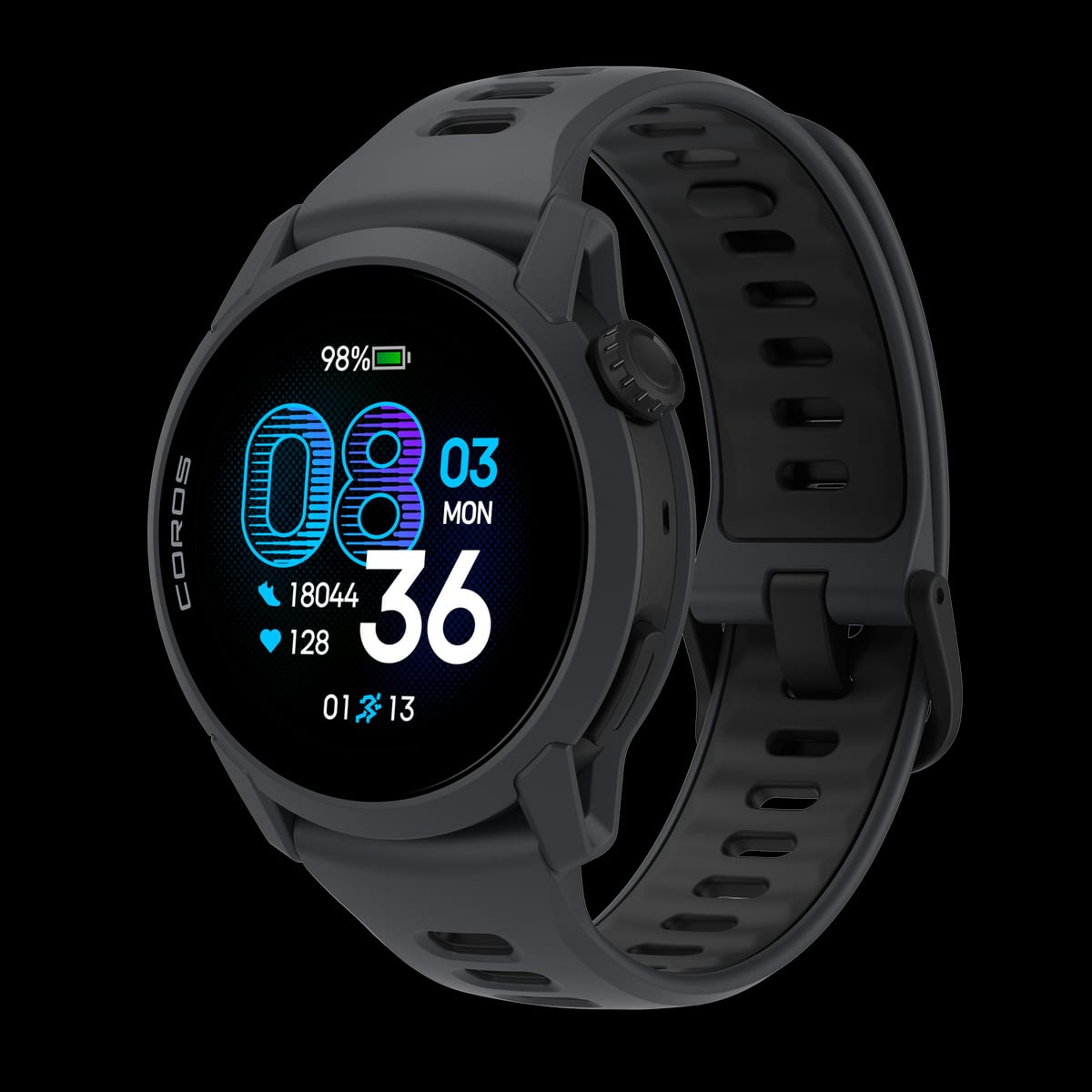
COROS Pace 4 Review - JoyVelo.com
1.2" AMOLED touchscreen (390x390), 22mm quick-release band, 40g (silicone) / 32g (nylon), 6-day AOD / 19-day battery, redesigned optical HR sensor, microphone for voice memos, 25+ sport modes, no speaker, no offline maps, $249. JoyVelo internal testing, 4 weeks, 200+ km.
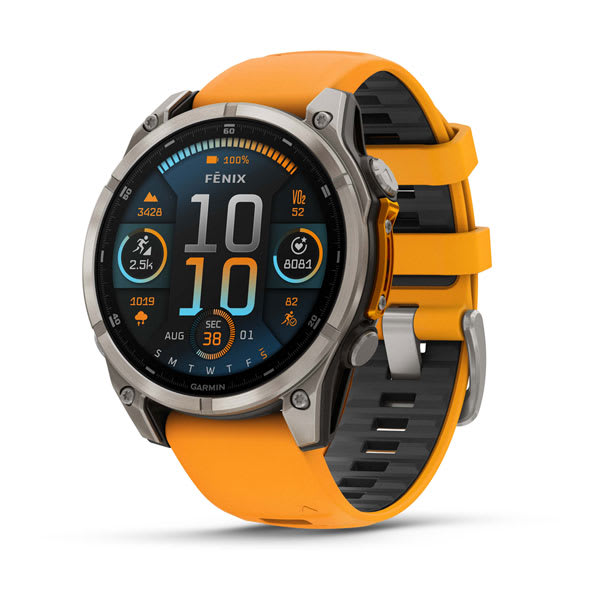
Garmin Venu 4 Review - JoyVelo.com
41mm $549 / 45mm $549, AMOLED 2000+ nits (shared with Forerunner 570/970), metal case (vs Venu 3 bezel-only), 2 buttons + touch (down from 3), LED flashlight (4 white + red), FDA-cleared ECG + AFib, Lifestyle Logging (free for all Garmin users), shared OS with Fenix 8 / Forerunner 570/970, 80+ sport modes, dual-band GNSS, Mix Session multi-sport. JoyVelo internal testing, 4 weeks.
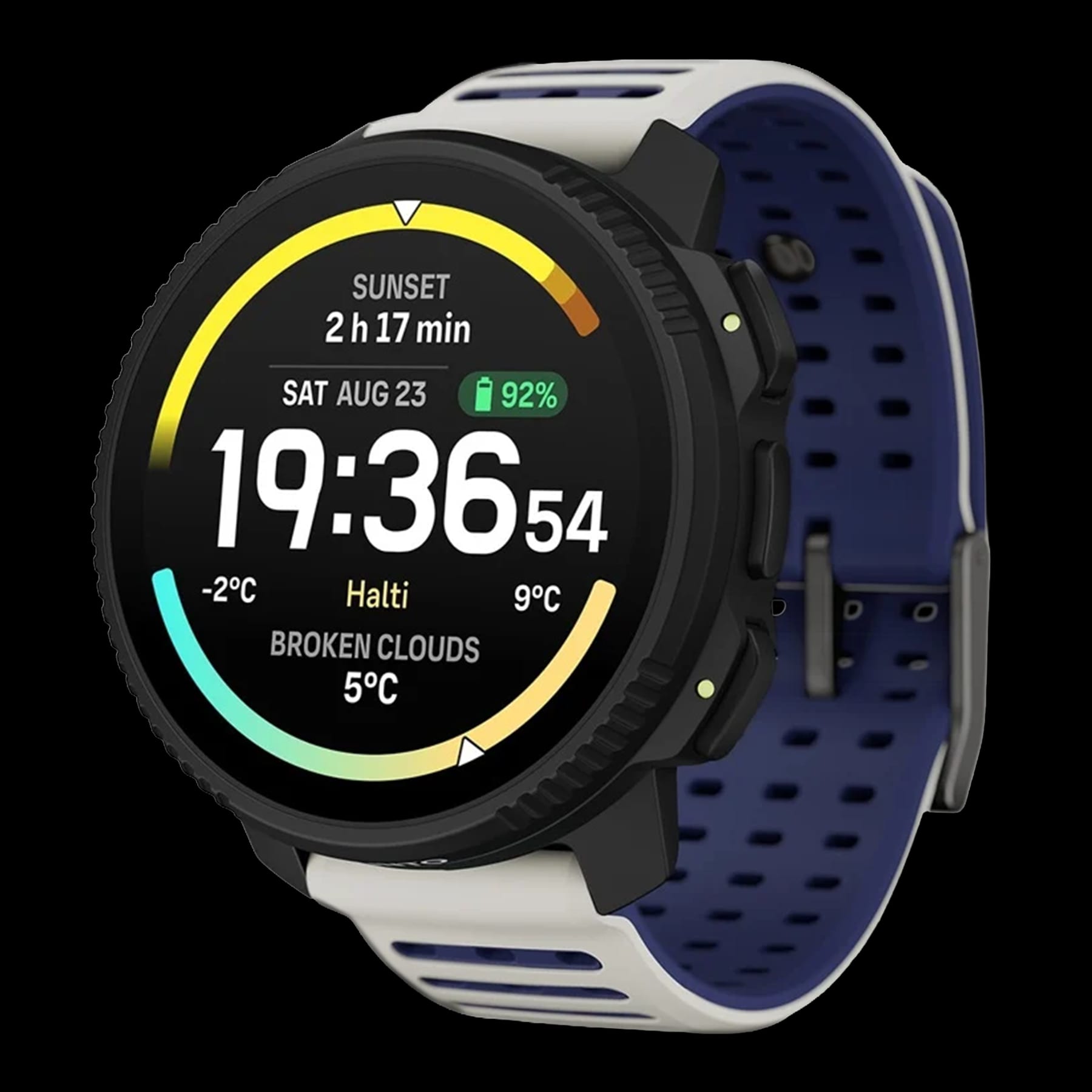
Suunto Vertical 2 Review - JoyVelo.com
AMOLED 2000 nits (Suunto’s MIP era is over except for dive watches), 65h dual-band GPS (matches solar MIP watches), 20-day smartwatch, 250h Tour mode, magnetic charging (no more accidental disconnection), LED flashlight with SOS + breathing + red strobe modes, $100 price hike vs Vertical 1 ($499 -> $599). JoyVelo internal testing, 4 weeks, 70km mountain hike.
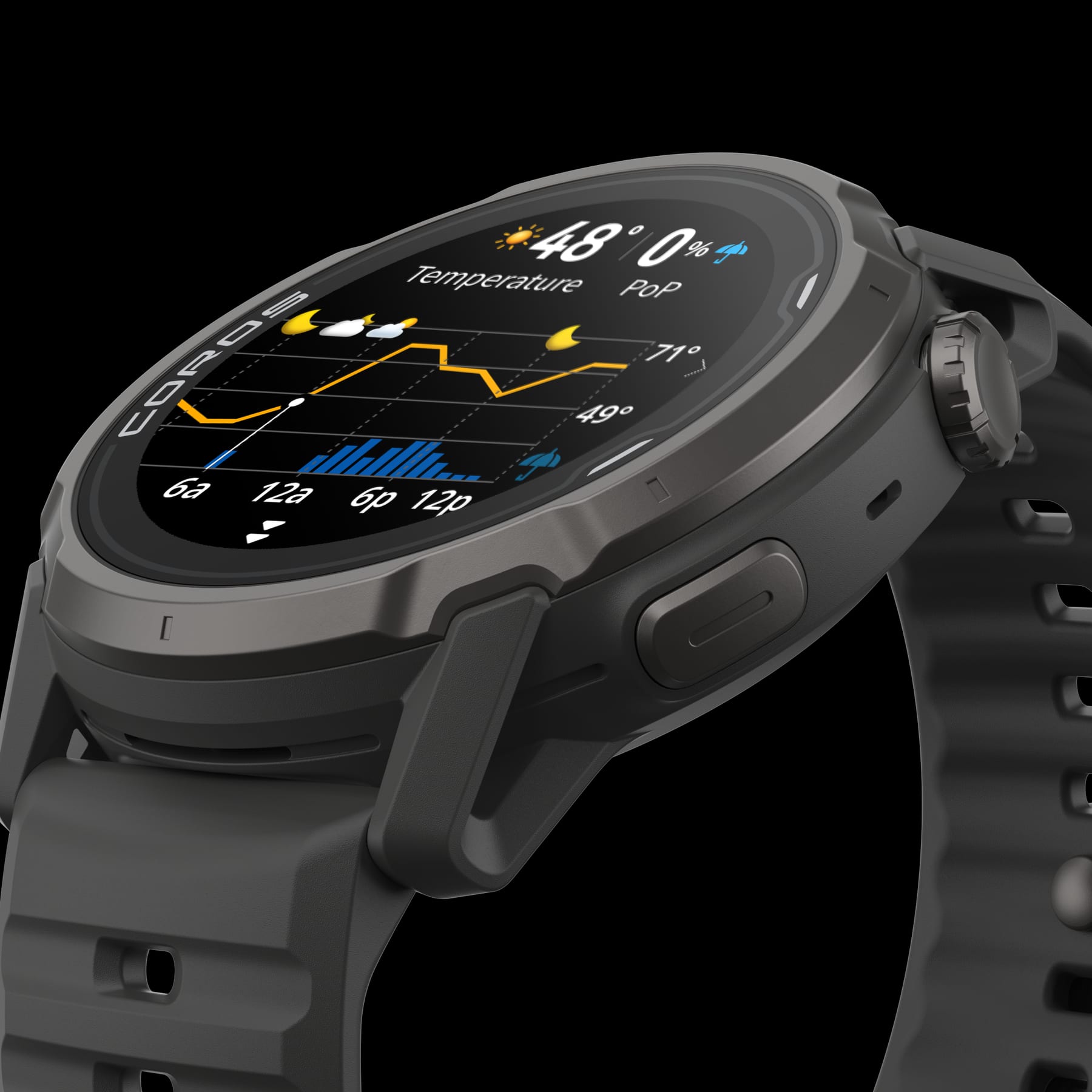
COROS APEX 4 Review - JoyVelo.com
42mm $429 / 46mm $479, MIP display + sapphire glass + titanium bezel, dual-band GNSS as standard (previously APEX 2 Pro only), dual mics with wind-noise reduction + real speaker for Bluetooth calls, depth meter (no dive certification), customisable Action button, 32GB storage, 30x faster map rendering, depth meter bug fixes pending. JoyVelo internal testing, 4 weeks, 70km hike + 200+ km running + 1 open-water swim.
Polar Street X Review - JoyVelo.com
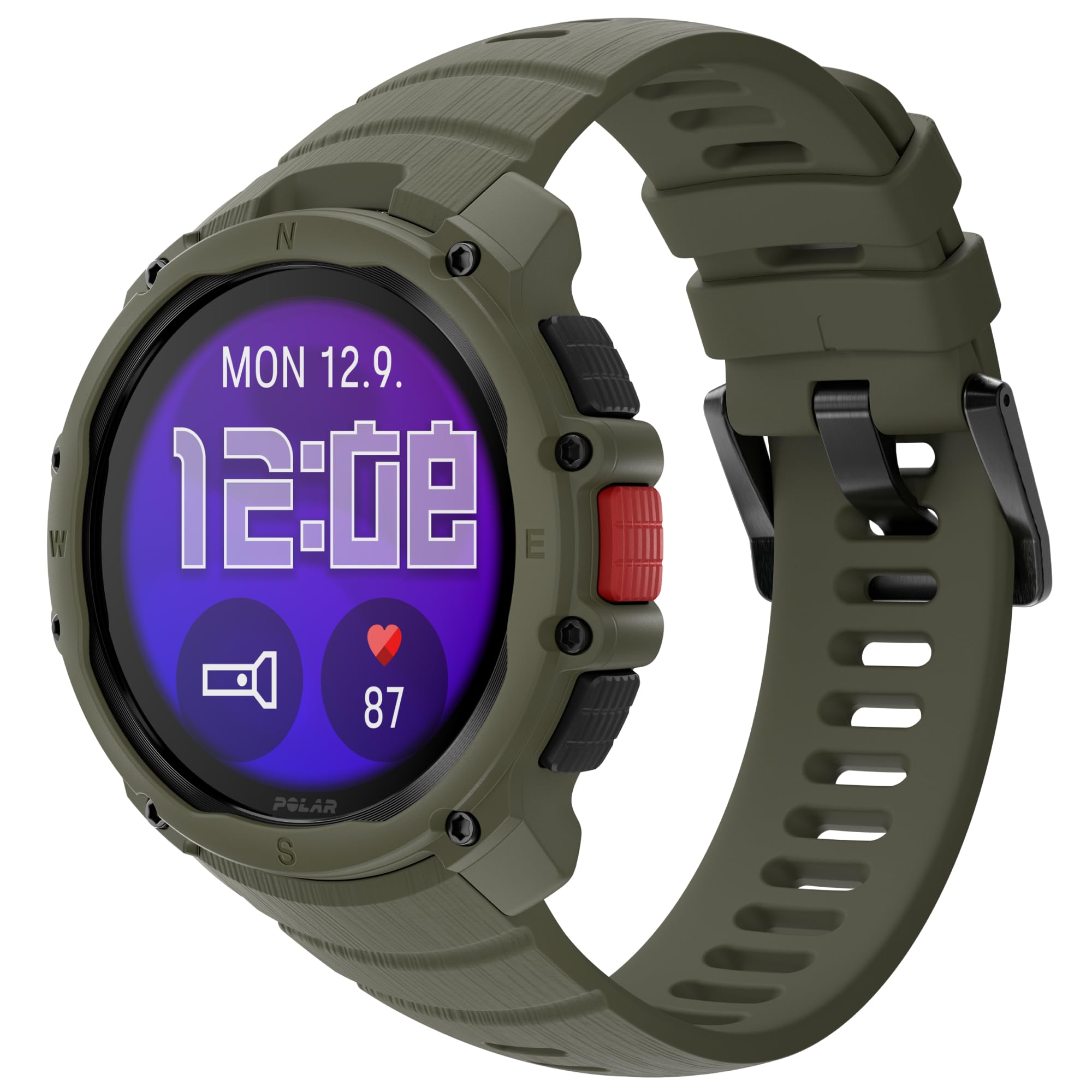
45mm bio-based plastic case rated to MIL-STD-810H, 1.28in 416x416 AMOLED touchscreen under Gorilla Glass 3, integrated LED flashlight with 4 white brightness levels plus a red mode, single-frequency GPS with Galileo + BeiDou + QZSS, Precision Prime Gen 3.5 optical HR, barometer and compass, Polar OS with 170+ sport profiles and no subscription, 10-day battery with 43 h of continuous GPS. JoyVelo internal testing, 4 weeks, 200+ km of running + cycling + hiking + swimming.
Garmin Forerunner 70 Review - JoyVelo.com
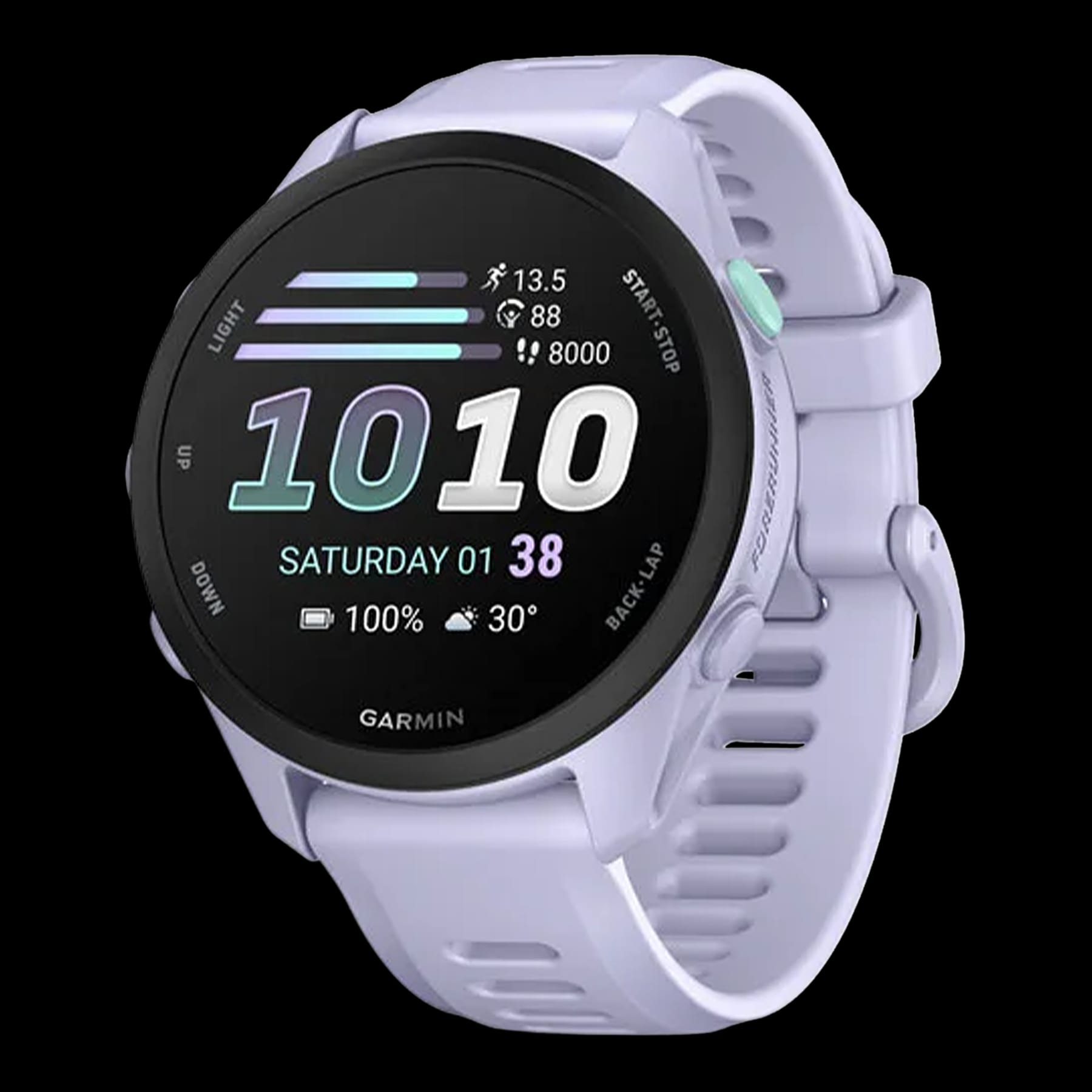
1.2in AMOLED touchscreen at 390x390, 5 physical buttons plus touch, 42.6mm, 40g, Elevate Gen 4 optical HR + Pulse Ox, 13-day smartwatch / 5-day always-on / 23h GPS battery, 80+ built-in sport apps, training readiness, training status, acute load, VO2 max, Quick Workouts, Garmin Share, race widget and Garmin Coach. Single-frequency GNSS only, no onboard maps, no Garmin Pay, no barometric altimeter. JoyVelo internal testing, 4 weeks.
Verify with JoyAnalyze
Import watch records into JoyAnalyze and overlay with a reference HR strap / power meter — quantify Apple WatchOS27's GPS accuracy and biometric deviations.
Open multi-file compare in JoyAnalyzeSee how this fits you
The Apple WatchOS27 is one option. Compare it side-by-side with the other Sports Watchesin our database.