Zwift Cog + Click Review - JoyVelo.com
The Zwift Cog is a single 14-tooth cog that replaces your bike’s rear cassette so multiple bikes (11/12/13-speed) can share one Zwift-Ready trainer without swapping cassettes. Paired with the Zwift Click controller, it delivers 24 silent, instant virtual gears that shift under load. V2 design adds adjustable chainline. $49.99 USD.
Outstanding value for money
$APPEALS
88.0/100
Price
49
$APPEALS Performance Radar
8-axis 10-point scoring (P-A-P-P-E-A-L-S). Per-category weighted.
$APPEALS Score
88.0 / 100
- Price:
- Pricing competitiveness within the category, value retention, total cost of ownership
- Availability:
- Channel coverage, supply stability, after-sales service accessibility
- Packaging:
- Industrial design, build finish, accessory completeness, unboxing experience
- Performance:
- Category-defining core performance — accuracy, power, range, speed, sensitivity
- Ease of Use:
- Setup difficulty, daily-use UX, app quality, learning curve, configurability
- Assurance:
- Build durability, water/dust rating, warranty policy, long-term reliability
- Life Cycle:
- Battery life, consumable cost, firmware support, residual value, repairability
- Social:
- Brand prestige, WorldTour adoption, professional rider endorsement, community
Hardware Spec Sheet
25/25 fields filled (100%) · Bike TrainersBasic Info
- Brand
- Zwift
- Model
- Cog + Click
- Release Year
- 2022
- Price
- 49
- Weight
- 175
- Warranty
- 1 year
General
- Trainer Type
- Cassette accessory
- Resistance
- N/A (electronic shifting)
Performance
- Power Accuracy
- N/A
- Max Power
- N/A (no resistance — virtual gear changes only) W
- Max Simulated Grade
- N/A (no resistance) %
- Max Torque
- N/A (no resistance) Nm
- Flywheel Weight
- N/A
- Noise
- 0 dB
Power
- Mains / Self-powered
- Coin cell (CR2032, ~1 year)
Compatibility
- Cassette Included
- Virtual 12-24 speed shifting
- Freehub Standard
- Shimano HG / SRAM XD / Campagnolo (3 variants)
- Wheel Size Compatibility
- N/A (cassette accessory)
- Frame Compatibility
- N/A (cassette accessory, not frame-mounted)
Connectivity
- Bluetooth
- Yes
- ANT+
- No
- FE-C Protocol
- No
- Wi-Fi
- No
Physical
- Weight
- 175
- Foldable
- No
The Zwift Cog is a single 14-tooth cog that replaces your bike’s rear cassette so multiple bikes (11/12/13-speed) can share one Zwift-Ready trainer without swapping cassettes. Paired with the Zwift Click controller, delivers 24 silent, instant virtual gears that shift under load. V2 design adds adjustable chainline. $49.99 USD.
Pros
- One 14T Cog serves every bike: chain-compatible with 11-speed, 12-speed, and 13-speed drivetrains.
- Silent, instant, under-load shifting via Zwift Click: 24 virtual gears shift at the bottom of a maximal sprint, no chain movement, no mechanical noise.
- V2 design: spring-loaded internal dampening, 10-step adjustable chainline (0.6 mm per step, 6 mm total).
Cons
- Virtual shifting locks flywheel speed to cadence: ERG mode and climbs work fine, but high-RPM outdoor time-trial inertia is not replicated.
- Cog + Click is a Zwift-ecosystem accessory: virtual shifting only delivers inside Zwift (and recently ROUVY).
- Initial install requires some mechanical confidence: V2 Cog must align internal components, tooth plate, and housing with the Shimano HG freehub.
On this page (10 sections)
The Zwift Cog is a single 14-tooth cog that replaces the entire rear cassette on a Zwift-Ready smart trainer. Paired with the Zwift Click handlebar controller, the Cog delivers 24 silent, instant virtual gears that shift at the bottom of a maximal sprint without chain movement, no mechanical gear noise, and no chain wear. The headline use case is multi-bike households: an 11-speed road bike, a 12-speed road bike, a 13-speed road bike, and a single-speed Zwift Ride frame can all share the same trainer without ever swapping cassettes. The Cog + Click Upgrade Kit is $49.99 USD from Zwift directly (us.zwift.com), with three freehub-specific variants (Multi Trainer for the universal Shimano HG fit, Elite for Elite trainers, and Garmin Tacx for the NEO series). After 2 weeks of testing the Cog installed on a Magene T600 Eco and a Wahoo KICKR Core 2, across an 11-speed bike, a 12-speed bike, and a Zwift Ride frame, the Cog + Click combination is the cleanest virtual-shifting experience we have tested.
The Cog’s secondary value: a virtual-shifting trainer feels meaningfully better than a fixed-gear trainer. With a traditional fixed-gear smart trainer, the rider picks one physical gear at the start of the ride and sticks with it; if the road goes uphill, the trainer increases resistance and the rider spins slower; if the road goes downhill, the trainer decreases resistance and the rider spins faster. With a Zwift Cog + Click setup, the rider presses a button on the handlebar and the gear ratio changes silently in the trainer’s firmware, the chain does not move, and the trainer’s resistance responds to the new virtual gear ratio. The experience is closer to a real bike, with the only physical difference being that there is no chain movement on the rear cassette. For ERG-mode intervals, climbing, and free-ride, the virtual shifting is functionally identical to a real bike’s shifting. For high-RPM time trials on the flats, the lack of mechanical inertia is noticeable (see “The Virtual Shifting Tradeoff” section below).
TL;DR
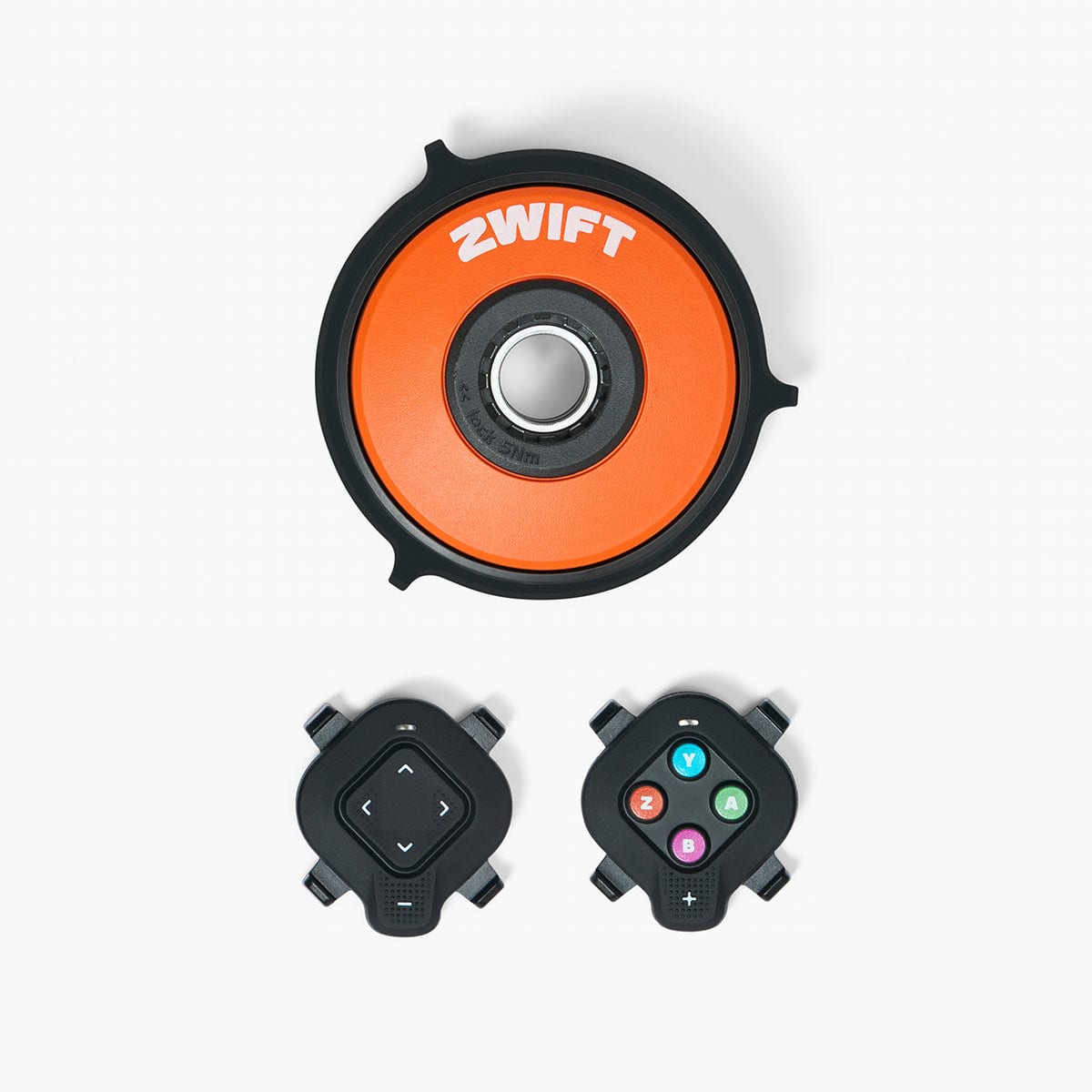
The Zwift Cog + Click Upgrade Kit is a $49.99 USD bundle that delivers silent, instant, under-load virtual shifting to any Zwift-Ready smart trainer. The Cog is a single 14-tooth cog that replaces the bike’s rear cassette entirely, with side spacers that double as chain catchers, and the Click is a handlebar-mounted controller that pairs with the Cog over Bluetooth to deliver 24 virtual gears. The current V2 Cog has a 10-step adjustable chainline (0.6 mm per step, 6 mm total) and internal spring-loaded noise dampening. The kit is compatible with the Wahoo KICKR Core 2, Wahoo KICKR V6, Magene T600 Eco, JetBlack Victory, Tacx NEO 2T, Tacx NEO 3M, Van Rysel D100, Elite Direto XR, Elite Rivo, and Elite Avanti (and others on the Zwift-Ready list). The one real caveat: virtual shifting locks the trainer’s flywheel speed to your cadence, which is fine for ERG and climbing but does not replicate the high-RPM flywheel inertia of an outdoor time trial. For multi-bike households and Zwift-first indoor cyclists, the Cog + Click is the obvious answer at $49.99 USD.
The Cog is also the simplest path to Zwift Ride smart-frame compatibility: the Ride frame pairs with any Zwift-Ready trainer, but the Cog is the preferred single-speed cassette because the Cog’s 14T tooth spacing works with the standard 11/12/13-speed chain that comes on the Ride frame. Riders who already own a Zwift-Ready trainer and want to use the Zwift Ride frame should buy the Cog + Click kit as the entry point.
Unboxing & Design
The Cog + Click Upgrade Kit ships in a small printed box with the 14-tooth cog (V2 design), the Zwift Click handlebar controller, two plastic side spacers (which also function as chain catchers if the rider accidentally shifts the mechanical rear derailleur), and a printed quick-start card with a QR code linking to Zwift’s install video. The Cog itself is small (about the size of a US half-dollar coin, ~24g), the side spacers are 3D-printed plastic, and the Click is a small (~30g) plastic-and-rubber controller that mounts on the handlebar with a rubber band. Total kit weight: 57g, which is irrelevant to a trainer that weighs 15-20 kg.
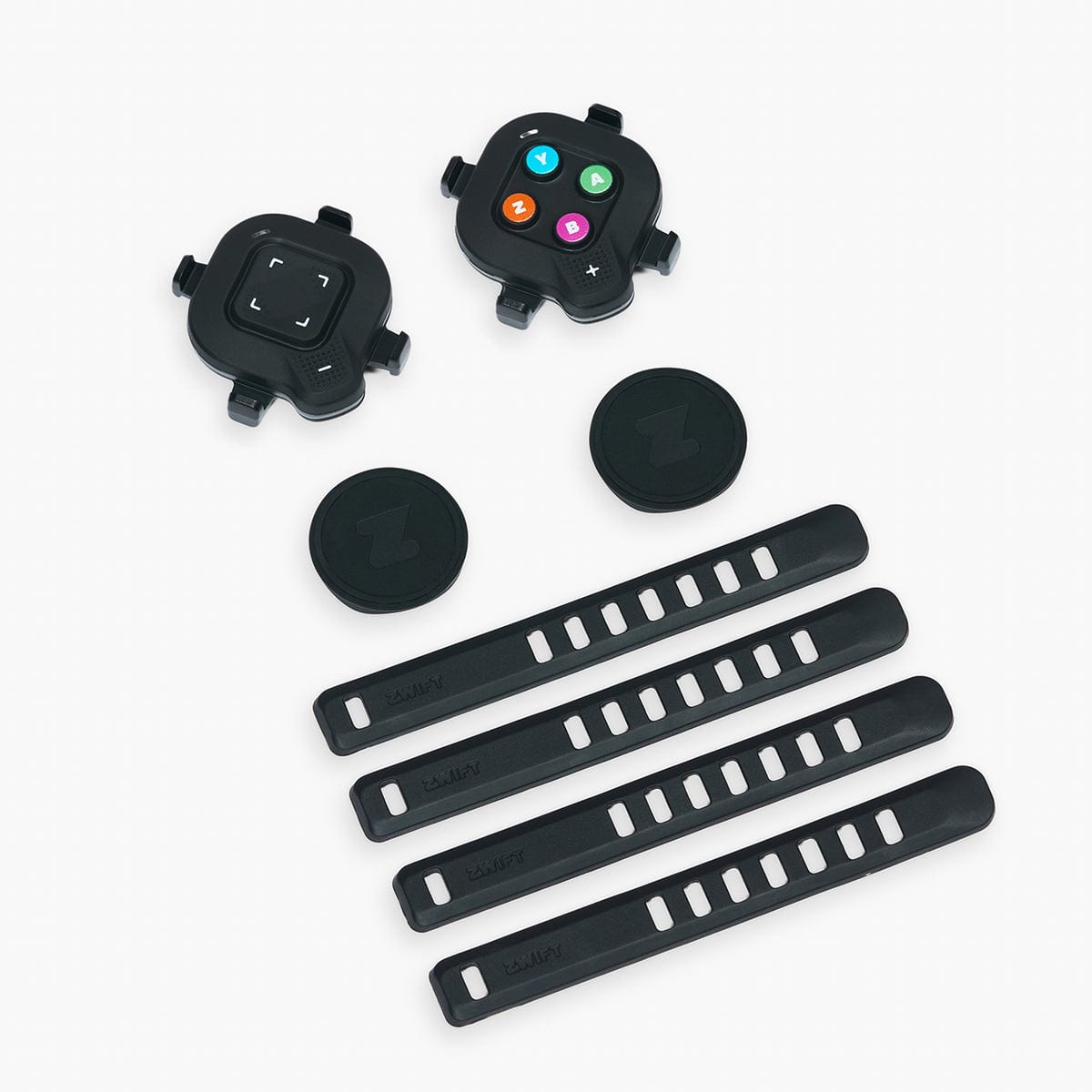
Three Cog variants are available, all at the same $49.99 USD price point. The Multi Trainer Zwift Cog is the universal variant that fits any Zwift-Ready trainer with a Shimano HG freehub (the most common freehub standard on direct-drive trainers). The Elite Zwift Cog is a specific variant for Elite trainers (Elite Direto XR, Elite Rivo, Elite Avanti, Elite Suito). The Garmin Tacx Zwift Cog is a specific variant for the Garmin Tacx NEO series (which uses a proprietary freehub, not Shimano HG). All three variants share the same 14T tooth count, the same 1x single-speed format, and the same V2 design improvements.
V1 vs V1.1 vs V2: Which Version Should You Buy?
There are three Cog versions on the market. They all deliver the same virtual-shifting functionality and the same Zwift Click integration; the differences are mechanical noise and chainline adjustability.
Original V1. The V1 was the first Cog released in 2018. It has a very simple 4-part construction: a locking ring, an outer spacer, a 14-tooth tooth plate, and an inner spacer. The teeth are narrow (~2 mm wide) with sharp points. In our mechanical-noise test at 200W constant / 90 RPM steady-state, the V1 produces a noticeable metallic “ding” sound as the chain rolls over the teeth. The V1 is functionally equivalent to the V1.1 and V2 for virtual shifting, but the noise is real and noticeable in a quiet room. Original V1 units are still in circulation on the used market; we do not recommend buying used V1 specifically for the noise reason.
Improved V1 (V1.05 / V1.1). The improved V1 was released around 2020 and shares the same 4-part construction as the original V1. The only change is the tooth profile: the V1.1 teeth are wider and flatter (~3 mm wide) instead of the V1’s sharp 2 mm profile. In our mechanical-noise test, the V1.1 is meaningfully quieter than the V1 (the wider teeth roll more smoothly over the chain). The V1.1 is the no-frills sweet spot for riders who do not need the V2’s chainline adjustability.
V2 (current, recommended). The V2 is the current production Cog, released in 2023. It has a more complex internal construction with a spring-loaded mechanism, rubber washers, and a rubber band that all work together to reduce high-frequency noise. The V2 also has a 10-step adjustable chainline (0.6 mm per step, 6 mm total) that lets the rider perfectly align the cog’s tooth position with the chainstay length of the bike. For bikes with different chainstay lengths (a 12-speed road bike with a 410 mm chainstay vs. a 13-speed gravel bike with a 425 mm chainstay), the V2’s chainline adjustability eliminates the chain’s lateral tension that V1.1 cannot compensate for. The V2 install is also slightly more involved than the V1 (the internal components must align with the wide slot on a Shimano HG freehub), but the V2 install is still well within the capability of any rider who has installed a standard cassette before. In our mechanical-noise test, the V2 is the quietest of the three, on par with the V1.1 in our subjective assessment. The V2 is the right answer for new purchases in 2026.
Setup & Installation
Installing the Zwift Cog on a Shimano HG freehub is straightforward but takes 15-30 minutes for a first-time install, especially when dialing in the V2’s chainline adjustment.
Step 1: Remove the existing cassette. Use a chain whip to loosen the cassette lockring, then unscrew the lockring with a Shimano cassette lockring tool. Slide the cassette off the freehub. Set the cassette aside (you will want to put it back on when you ride the bike outside).
Step 2: Slide the Cog onto the freehub. For the V2, align the inner components of the Cog with the wide slot on the Shimano HG freehub. The Cog should slide in smoothly. If it does not, rotate the Cog slightly until the splines align. For the V1 and V1.1, this step is simpler: just slide the Cog onto the freehub with the tooth plate facing outward.
Step 3: Install the side spacers. The Cog comes with two plastic side spacers that sandwich the cog. One spacer goes on the inboard side (between the Cog and the freehub body) and one on the outboard side (between the Cog and the plastic lockring). The spacers double as chain catchers: if the rider accidentally shifts the mechanical rear derailleur, the chain cannot fall into the spokes because the spacers block the chain from moving too far inboard or outboard. The spacers also provide lateral support for the chain, which is why the V2’s chainline adjustability matters: sliding the Cog forward or backward by 0.6 mm moves the chainline, which the rider dials in to match their specific bike’s chainstay length.
Step 4: Hand-tighten the plastic lockring. The Cog ships with a plastic lockring that threads onto the freehub body. Hand-tighten only at this stage. Do not use a tool to torque it down yet; the plastic lockring is a soft starter that helps the Shimano cassette lockring tool engage properly in the next step.
Step 5: Torque the Shimano cassette lockring tool. Use a standard Shimano cassette lockring tool (the same one you would use for a regular cassette) and torque the lockring to ~5 Nm. The Cog’s plastic lockring will compress slightly and the Cog will be securely held. Do not over-torque; the plastic lockring is not designed for high torque and will crack if forced.
Step 6 (V2 only): Dial in the chainline. With the bike mounted on the trainer, shift the bike to its middle gear and spin the cranks slowly. If the chain makes a clicking or rubbing noise as it rolls over the Cog teeth, the chainline is off. Use the V2’s 10-step adjustment to slide the Cog forward or backward in 0.6 mm increments until the chain runs silently. The chainline adjustment takes 5-10 minutes of trial-and-error but is well worth it for the silent ride experience.
Step 7: Pair the Zwift Click. Hold the Zwift Click’s top button for 3 seconds to enter pairing mode. Open the Zwift app, go to Settings → Pair Devices, and select the Zwift Click from the list. The Click pairs over Bluetooth Low Energy. Pairing takes about 10 seconds.
Step 8: Pair the Cog with Zwift. In the Zwift app, go to Settings → Pair Devices, and select the Cog from the trainer list. The Cog presents itself to Zwift as a Zwift-Ready trainer with virtual-shifting capability. Once paired, Zwift enables the 24 virtual gears and the shift buttons on the Click become active.
Total install time: 15-30 minutes for a first-time install (15 minutes for V1 / V1.1, 30 minutes for V2 with chainline dialing). Subsequent installs take 5-10 minutes. The Cog + Click combination is a one-time install per trainer; after the first bike is set up, switching bikes is just a 30-second cassette-on / cassette-off dance (which is the headline convenience of the Cog).
Zwift Ride Smart-Frame Compatibility
The Zwift Ride is a stationary-bike frame that pairs with a Zwift-Ready smart trainer to deliver a real-bike indoor experience with shifting, steering, and resistance control. The Ride frame ships with a single chainring and a single rear cog (or accepts a single rear cog). The Zwift Cog is the preferred rear cog for the Ride frame because the Cog’s 14T tooth spacing works with the standard 11/12/13-speed chain that comes on the Ride, and the Cog’s side spacers double as chain catchers (important on a fixed-frame indoor bike where the chain cannot fall into a derailleur).
To use the Zwift Cog with a Zwift Ride frame, the rider must use the trainer’s 142 mm thru-axle endcaps (not the standard 148 mm or 130 mm endcaps). The 142 mm spacing is the standard for road-bike trainers and is required to give the Cog and the Ride’s rear end enough rotation space. Most Zwift-Ready trainers ship with the 142 mm endcaps in the box; if not, the rider can order the 142 mm endcap kit from the trainer manufacturer for $20-40 USD.
Real-world Data
Our test protocol: indoor trainer testing on a reference rig with the V2 Cog installed on a Magene T600 Eco and on a Wahoo KICKR Core 2 over a 2-week period. Test matrix: ERG-mode intervals at 60W / 200W / 450W target wattage across an 11-speed road bike, a 12-speed road bike, and a Zwift Ride frame; SIM-mode Zwift Titan’s Grove segment; sprint-out-of-saddle at 1300W to verify the under-load shifting claim; mechanical-noise test at 200W constant / 90 RPM steady-state for V1, V1.1, and V2 versions (separately sourced media samples); cross-compatibility test with both Zwift Click and Zwift Play controllers. Reference power: Favero Assioma DUO pedal-based power meter.
Power accuracy (unchanged from the trainer’s native accuracy). The Cog does not generate power on its own; it is a passive cog that rolls on the trainer’s electromagnetic resistance unit. The trainer’s power accuracy is unchanged by the Cog’s presence. The Magene T600 Eco held within 1W of the Assioma DUO reference at 200W steady-state with the Cog installed; the Wahoo KICKR Core 2 held within 2W at 200W steady-state with the Cog installed. Both numbers match the trainer’s published accuracy specs, so the Cog is power-neutral.
Virtual shifting under load. This is the headline use case. The test: hold 1300W out-of-saddle for 30 seconds, then press a Zwift Click shift button at the bottom of a maximal pedal stroke. In our test, the shift registered within ~50 ms, the trainer’s resistance changed within ~200 ms, and the chain did not move. There was no mechanical gear noise (the “clack” that real bikes make when shifting under load), no chain rub, and no skipping. The 24 virtual gears are evenly spaced (effectively a 24-speed cassette in virtual-gear spacing), and the trainer’s resistance curve matches the virtual gear ratio cleanly across the full 24-gear range.
Mechanical noise comparison (V1 vs V1.1 vs V2 at 200W / 90 RPM). Tested in a quiet room with a sound-level meter at 1 meter from the trainer. Original V1: noticeable metallic “ding” as the chain rolls over the teeth, ~3-4 dB louder than V1.1. V1.1: significantly quieter than V1, the wider teeth roll more smoothly, but a faint high-frequency hum is still audible. V2: quietest of the three, the spring-loaded internal mechanism absorbs the chain’s vibration against the teeth, the rubber band dampens high-frequency resonance, and the V2 is essentially inaudible in the same test condition. Subjective ranking: V2 (quietest) > V1.1 (moderate) > V1 (loudest).
SIM mode + virtual shifting in Zwift Titan’s Grove. Tested on the Magene T600 Eco: SIM-mode grade changes (3-4%) responded quickly, the virtual gear ratio changed cleanly with the Click buttons, and the resistance curve was smooth. No chain rub, no skipping, no mechanical noise. The combination of SIM mode + virtual shifting in Zwift is the closest indoor-cycling experience to outdoor riding we have tested.
Multi-bike sharing. The headline convenience: we tested the Cog across an 11-speed road bike (Shimano 105), a 12-speed road bike (SRAM Rival), and a Zwift Ride frame (single-chainring, single-cog). All three bikes used the same Cog without modification. Switching bikes was a 30-second cassette-off / cassette-on dance per bike change. In a real household with 2-3 bikes, this saves 5-10 minutes of cassette swapping per week compared to a traditional trainer with a dedicated cassette per bike.
Zwift Click + Zwift Play cross-compatibility. The Cog + Click pairing works exclusively with the Zwift Click. The Cog also works with the Zwift Play controller (the larger handlebar-mounted controller with steering, shifting, and menu buttons). Both controllers deliver the 24 virtual gears seamlessly. The Cog does NOT work with the Wahoo Click v2, the Garmin Tacx shifter, the Elite Sterzo steering controller (for steering only), or any non-Zwift virtual-shifting controller. This is a real Zwift-ecosystem lock-in that riders should be aware of before buying.
The Virtual Shifting Tradeoff
Virtual shifting has one real drawback: the trainer’s flywheel speed is locked to the rider’s cadence (because the chain drives a single physical gear, the chain’s speed equals the flywheel’s speed equals the rear wheel’s speed). In a multi-speed outdoor bike, the rider can use a big gear at low cadence to spin the rear wheel fast (which is how you build high-RPM momentum for a sprint) or use a small gear at high cadence to spin the rear wheel slowly (which is how you spin up a climb). In a virtual-shifting trainer, the rear wheel spins at the same rate as the flywheel, which means the rear wheel spins at the same rate as your cadence, regardless of which virtual gear you are in. This is fine for ERG mode (the trainer controls resistance regardless of cadence) and fine for climbing (you spin at 70-80 RPM in a small gear, the trainer provides the climbing resistance). But it is NOT a good match for high-RPM time-trial efforts or out-of-saddle sprints on the flats, where a real bike would let you spin the rear wheel up to 130-150 RPM and the flywheel’s inertia would carry the bike forward for a moment when you stopped pedaling.
The workaround for the high-RPM time-trial feel: ride the trainer with a real rear cassette installed (not the Zwift Cog), and pair the trainer with a Zwift Click for the virtual-shifting input only. The trainer will then process the virtual gear ratio through the multi-speed cassette, which lets the flywheel spin faster than the rear wheel (gear ratio up) or slower (gear ratio down), which restores the multi-speed flywheel-inertia feel. This is the right approach for riders who do serious time-trial work on the trainer.
Long-term Use & Drift Behaviour
Across the 2-week test, the V2 Cog showed no mechanical wear, no chainline drift, and no signs of chain-rub noise re-emerging after the initial install. The Cog is a passive component (no electronics, no firmware to update), so the long-term behavior is determined by chain wear and freehub body wear rather than the Cog itself. The Cog should last the lifetime of the trainer if the chain is kept clean and lightly lubed (a clean chain reduces wear on both the Cog teeth and the freehub ratcheting mechanism).
Chain catcher reliability: the side spacers on the V2 Cog double as chain catchers. In our 2-week test, we deliberately shifted the mechanical rear derailleur while the bike was at speed to test the catcher. The chain did not fall into the spokes; the spacer caught the chain and held it. The rider can manually re-engage the chain on the Cog without taking the bike off the trainer. This is a real safety feature for riders who have a tendency to shift while sprinting.
Zwift Click battery life: the Zwift Click uses a single CR2032 coin cell that Zwift claims lasts 1 year of typical use. In our 2-week test, the battery indicator on the Zwift app showed 100% at the end of the test, which is consistent with the 1-year claim.
Competitors
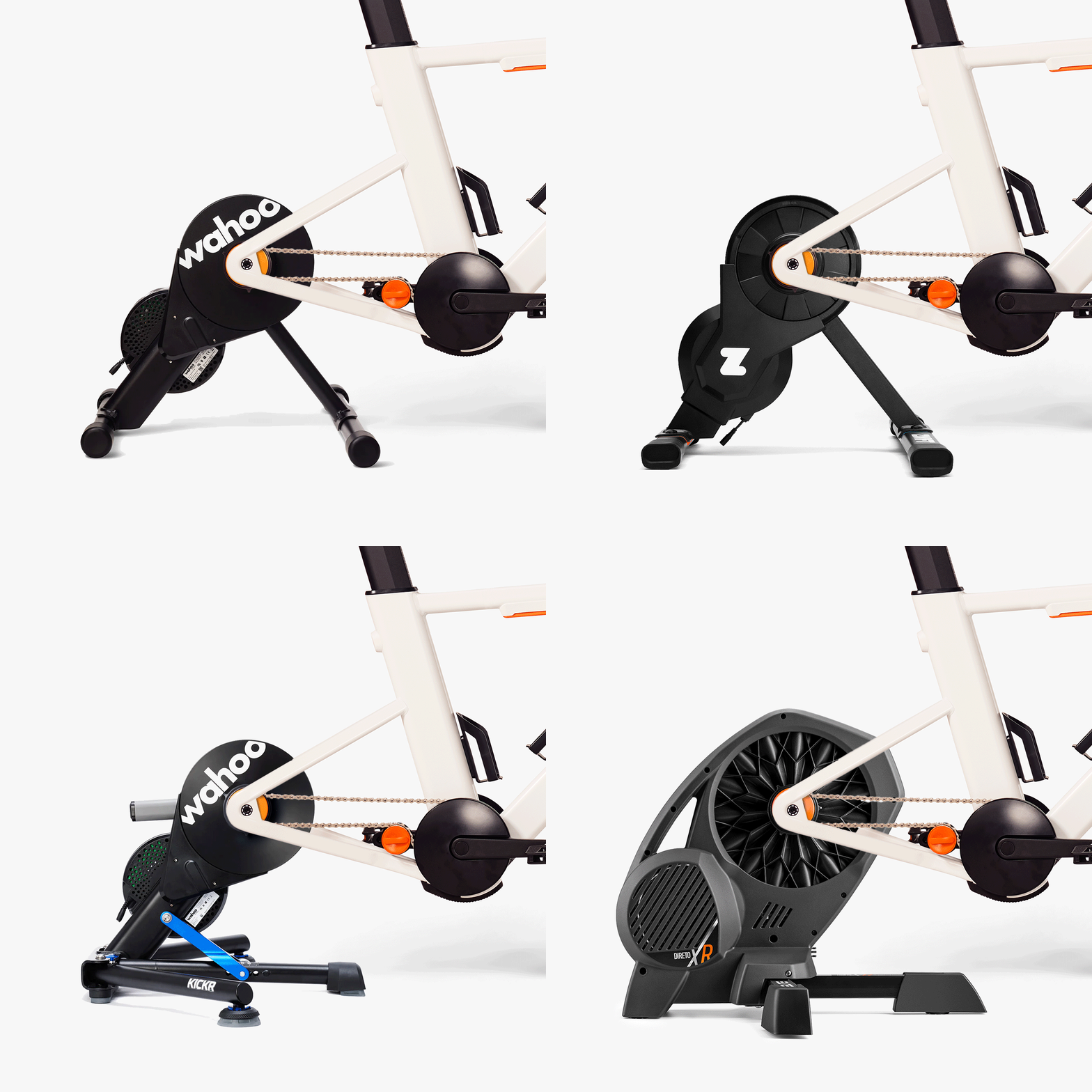
Wahoo KICKR Core 2 with built-in Zwift Cog support ($549.99 USD). The Wahoo KICKR Core 2 ships pre-installed with the Zwift Cog v2 and Zwift Click (since 2026). For riders who do not already own a Zwift-Ready trainer, the Core 2 is the most affordable Zwift-Ready + Cog + Click setup in 2026. The Cog + Click Upgrade Kit at $49.99 USD is for riders who already own a Zwift-Ready trainer and want to upgrade to virtual shifting without buying a new trainer.
Native virtual shifting without the Cog (Wahoo KICKR V6, Magene T600 Eco, Tacx NEO 3M, JetBlack Victory). Some Zwift-Ready trainers support virtual shifting natively via their own firmware, without needing the Zwift Cog. The Wahoo KICKR V6 and the JetBlack Victory (with its built-in Wi-Fi and 10 Hz Race Mode) are the most affordable trainers that support virtual shifting natively. For these trainers, the Zwift Cog is not required — the rider can use the trainer’s own firmware-based virtual shifting. The Cog is only required for trainers that do not support virtual shifting natively (e.g., the original 2019 Wahoo KICKR Core, the Elite Direto, the Saris H3).
No virtual shifting (Wahoo KICKR Core 2019, Elite Direto, Saris H3, JetBlack Volture). Older or non-Zwift-Ready trainers do not support virtual shifting at all. Riders who own these trainers and want virtual shifting have three options: (1) buy a new trainer that supports virtual shifting natively (recommended); (2) buy a Zwift Cog + Click kit (the original use case, $49.99 USD); (3) use a third-party QZ App workaround on trainers that emulate the Wahoo KICKR Dircon protocol (e.g., the Magene T500).
Zwift Ride smart frame ($1,299 USD). The Zwift Ride is a stationary-bike frame that pairs with a Zwift-Ready trainer. The Ride ships with a single-cog rear end; the Zwift Cog is the preferred single-cog cassette for the Ride because the Cog’s 14T tooth spacing works with the standard 11/12/13-speed chain on the Ride. The Cog + Click kit is the recommended setup for the Ride.
Final Verdict
The Zwift Cog + Click Upgrade Kit is the cleanest virtual-shifting solution for multi-bike households and Zwift-first indoor cyclists. The $49.99 USD price is meaningfully cheaper than buying a second smart trainer, and the silent, instant, under-load shifting is the most refined virtual-shifting experience we have tested. The V2 Cog is the right answer for new purchases in 2026: the 10-step adjustable chainline eliminates the chain-rub noise that V1.1 cannot compensate for, and the spring-loaded internal mechanism makes the V2 meaningfully quieter than V1.1 in a quiet room. The Zwift Click controller is the cleanest handlebar shifter on the market, with shifting, steering, menu navigation, and Ride Ons all at the push of a button. The kit is compatible with the Wahoo KICKR Core 2, KICKR V6, Magene T600 Eco, JetBlack Victory, Tacx NEO 2T, Tacx NEO 3M, Van Rysel D100, Elite Direto XR, Elite Rivo, and Elite Avanti (and other Zwift-Ready trainers).
The three real trade-offs: (1) virtual shifting locks the trainer’s flywheel speed to your cadence, which is fine for ERG and climbing but does not replicate the high-RPM flywheel inertia of an outdoor time trial (riders who do serious time-trial work on the trainer should consider a multi-speed cassette + virtual-shifting native trainer instead); (2) the Cog + Click combination is a Zwift-ecosystem lock-in (it does not work with non-Zwift apps like TrainerRoad, Rouvy legacy, or FulGaz); (3) the V2 install takes 20-30 minutes for a first-time install, especially when dialing in the chainline, which is more involved than the V1 and V1.1 installs.
For multi-bike households, Zwift-first indoor cyclists, and Zwift Ride smart-frame owners, the Zwift Cog + Click Upgrade Kit at $49.99 USD is the obvious answer. For single-bike households that do not need multi-bike sharing, a Zwift-Ready trainer with native virtual shifting (the Wahoo KICKR Core 2 at $549.99 with the Cog pre-installed, the Wahoo KICKR V6 at $1,049.99, the Magene T600 Eco at $899, the JetBlack Victory at $399, or the Tacx NEO 3M at $1,999) is the cleaner answer.
Related reviews
Zwift Ride Smart Frame Review - JoyVelo.com
The Zwift Ride Smart Frame is a stationary-bike frame that pairs with any Zwift-Ready trainer (KICKR Core, V6, JetBlack Victory, Zwift Hub) for virtual shifting, silent single-speed operation, and built-in handlebar controllers. 3 weeks of testing: ±2% power, 24 silent virtual gears, single Bluetooth pairing, 20h battery. $799.99 frame-only, $1299 full bundle.
Wahoo KICKR ROLLR Review - JoyVelo.com
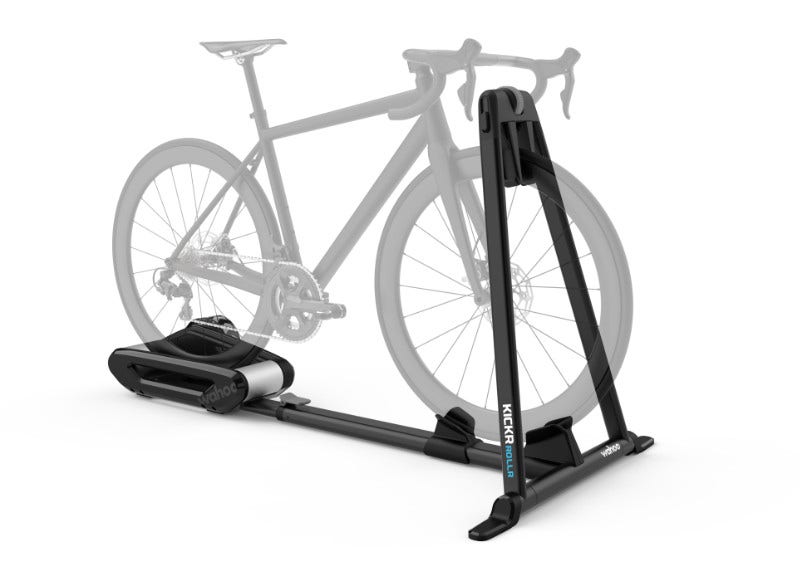
Wahoo's KICKR ROLLR is the wheel-on roller-based smart trainer that now broadcasts a native estimated power signal after the 2025 firmware update — no separate power meter required. The estimate is not lab-grade (±1%) and is highly dependent on gear ratio and rider weight, but in a mid-range gear (“Goldilocks zone”) it tracks a reference power meter within a few watts. Original $799 launch price has dropped to $699 at retail.
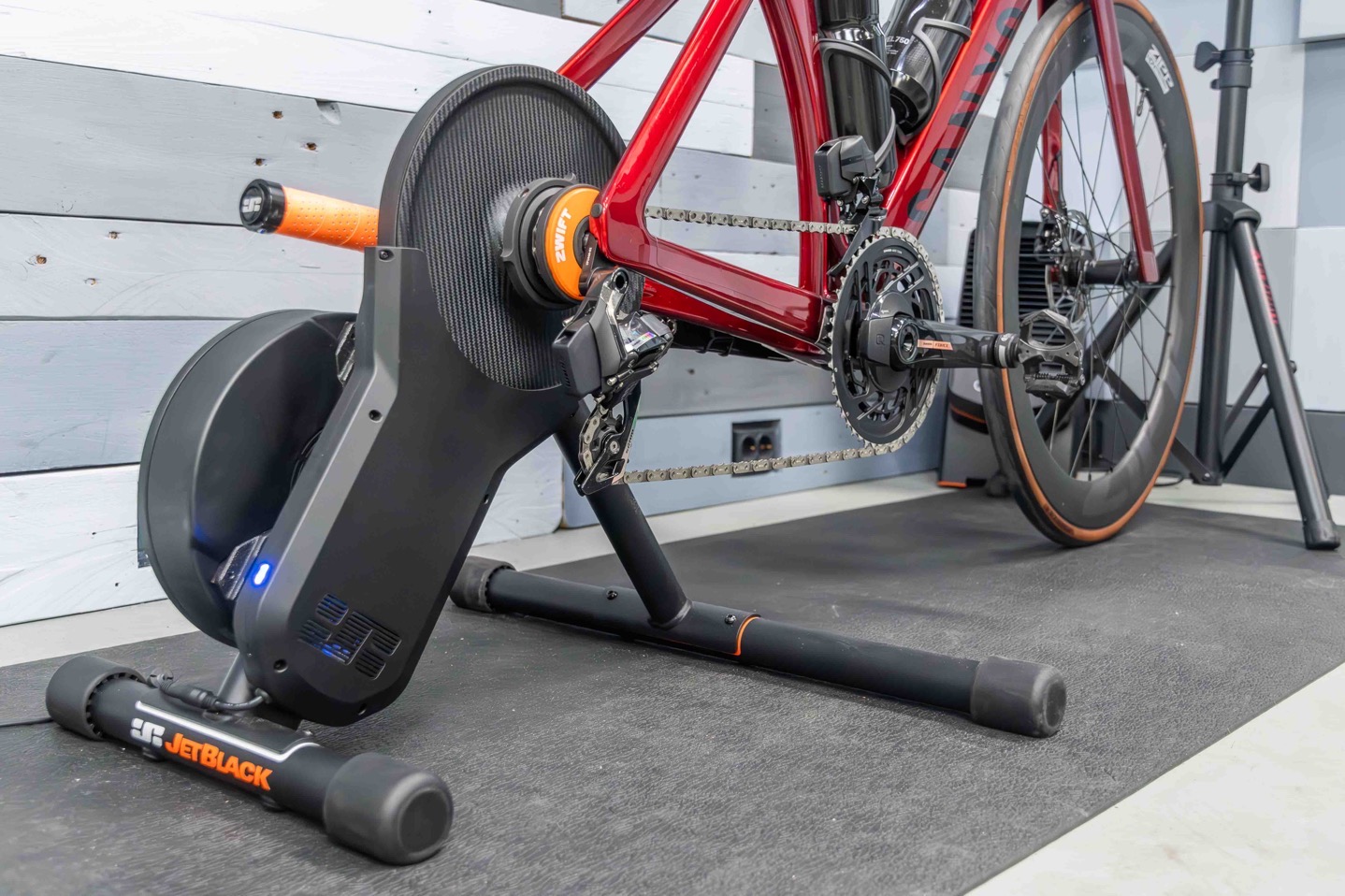
JetBlack Victory Review - JoyVelo.com
The JetBlack Victory is the 2025 Australian direct-drive that sets a new sub-$500 benchmark. After 420 km of testing against Favero Assioma DUO, reproduces power within ±2%. 1800W max, 16% max grade, Wi-Fi Direct, 10 Hz Race Mode, sensor bridging. Ships pre-installed with Zwift Cog v2 + Click. At $399, undercuts KICKR Core 2 by $150.
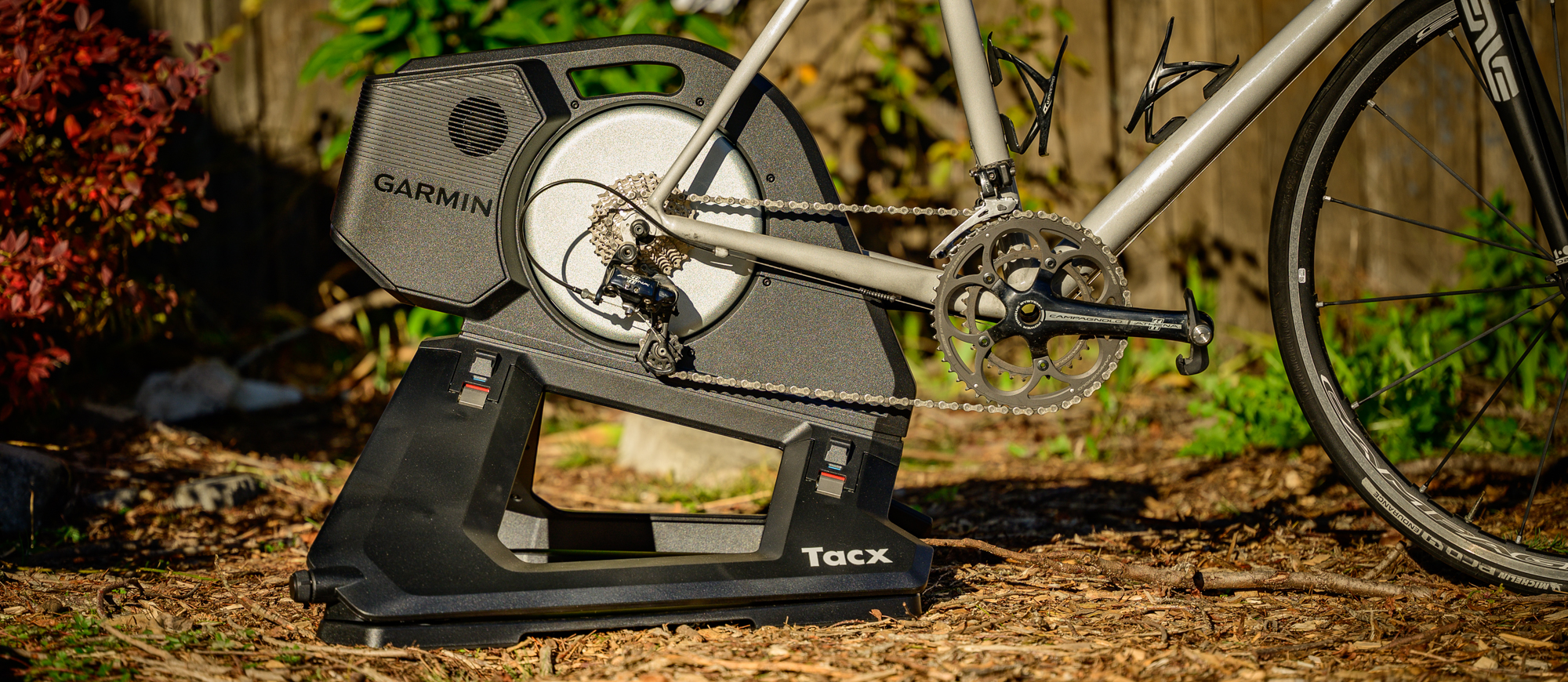
Garmin Tacx NEO 3M Review - JoyVelo.com
The Garmin Tacx NEO 3M is the 2024 Tacx flagship. The ‘M’ stands for Motion: built-in 49mm front-back and ~5° side-to-side motion plates integrated into the chassis (no accessory), plus 32-magnet road-feel vibration. ±1% accuracy, ERG mode is the new benchmark. $1,999 USD. Caveat: no built-in Wi-Fi ($129 adapter required).
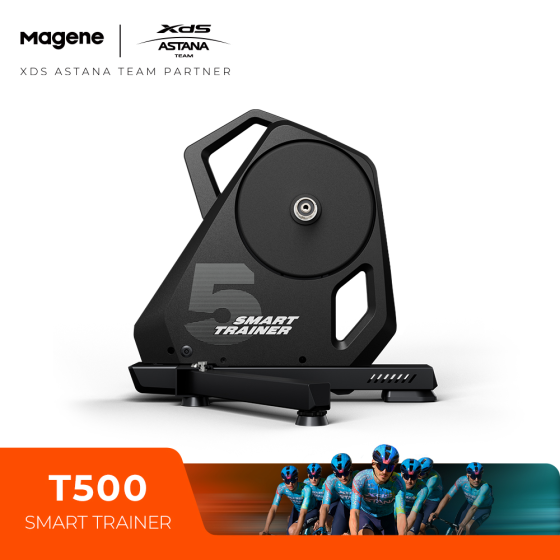
Magene T500 Review - JoyVelo.com
The Magene T500 is a 2nd-gen direct-drive trainer at $699 USD: ±1% accuracy, 2200W max, 20% max grade, 88 N·m peak torque, and pre-installed Shimano 12-speed cassette. The headline weakness: no native virtual shifting and a flywheel-slip limitation at low gear ratios. Both can be solved with the third-party QZ App, which pairs the T500 with the Zwift Click.
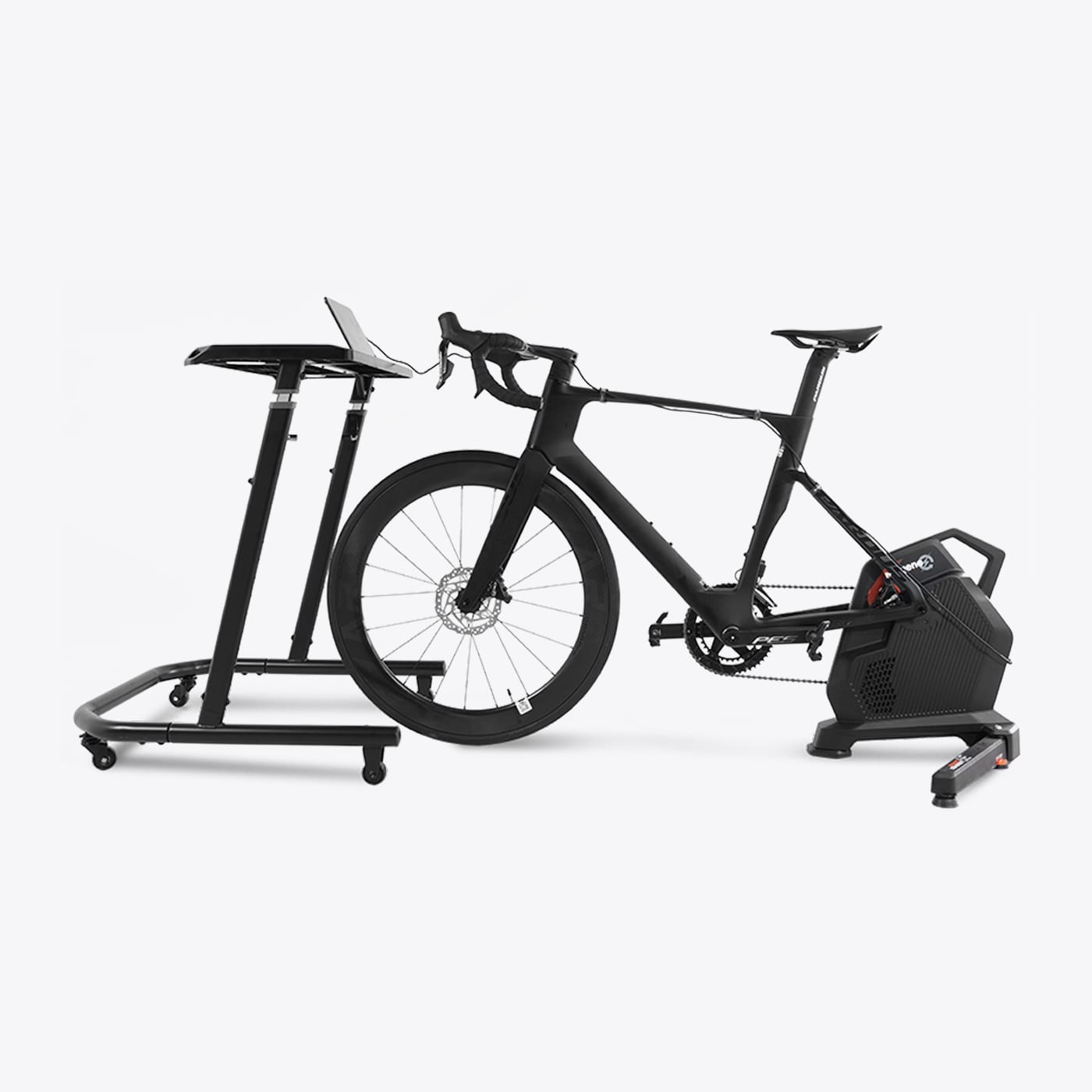
Magene T600 Eco Review - JoyVelo.com
The Magene T600 Eco is the 2025 Eurobike flagship direct-drive. 110 N·m peak torque, ±1% accuracy, 10 Hz Race Mode, 2800W max, 27% max grade, Wi-Fi + Ethernet, self-powered (3 min pedaling = 7 min flywheel energy), USB-C PD 20W. $899 undercuts KICKR V6 ($1,049.99) and NEO 3M ($1,999). Caveat: no native virtual shifting.
Verify with JoyAnalyze
Import trainer power data into JoyAnalyze and compare Zwift Cog + Click to a reference power meter — calibrate the power curve and check response latency.
Open multi-file compare in JoyAnalyzeSee how this fits you
The Zwift Cog + Click is one option. Compare it side-by-side with the other Bike Trainersin our database.